简介
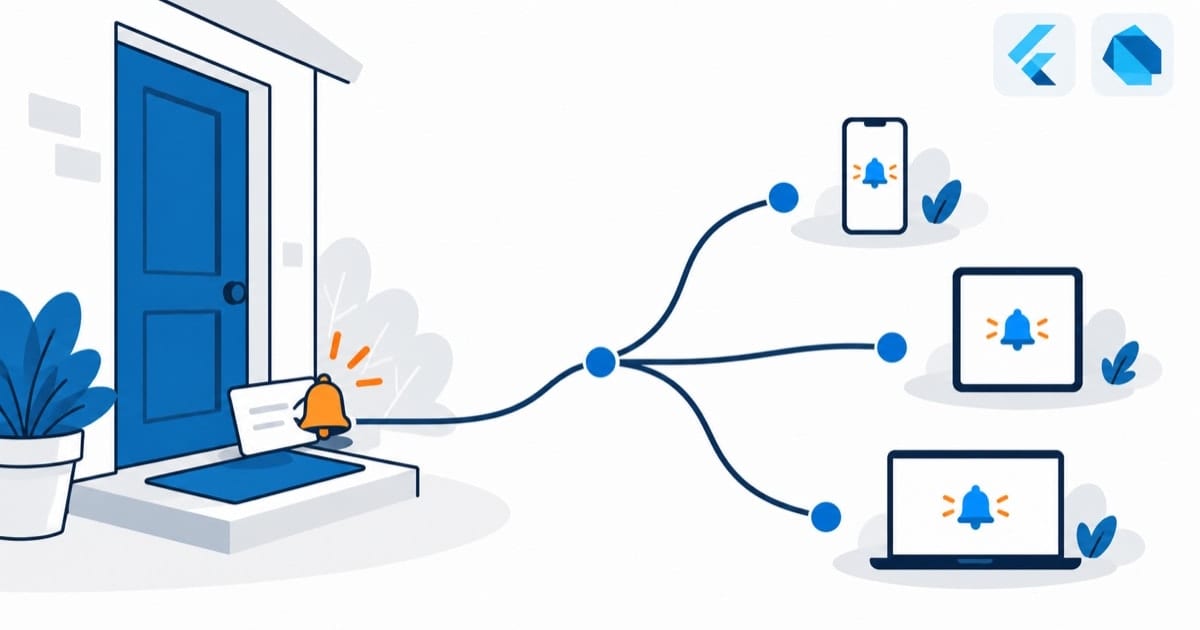
推送通知是移动应用的重要功能,可以让用户及时获取重要信息。本文介绍如何在 Flutter 中实现推送通知功能。
基本配置
添加依赖
dependencies:
  firebase_core: ^2.15.1
  firebase_messaging: ^14.6.7
  flutter_local_notifications: ^15.1.1
初始化 Firebase
Future<void> initFirebase() async {
  await Firebase.initializeApp(
    options: DefaultFirebaseOptions.currentPlatform,
  );

  // 获取 FCM Token
  final fcmToken = await FirebaseMessaging.instance.getToken();
  print('FCM Token: $fcmToken');
}
配置通知权限
Future<void> requestNotificationPermission() async {
  final messaging = FirebaseMessaging.instance;

  NotificationSettings settings = await messaging.requestPermission(
    alert: true,
    badge: true,
    sound: true,
  );

  print('Notification permission status: ${settings.authorizationStatus}');
}
本地通知
初始化本地通知
class NotificationService {
  static final NotificationService _instance = NotificationService._internal();
  factory NotificationService() => _instance;

  final FlutterLocalNotificationsPlugin _notifications =
      FlutterLocalNotificationsPlugin();

  NotificationService._internal();

  Future<void> init() async {
    const androidSettings = AndroidInitializationSettings('@mipmap/ic_launcher');
    const iosSettings = DarwinInitializationSettings(
      requestAlertPermission: true,
      requestBadgePermission: true,
      requestSoundPermission: true,
    );

    const settings = InitializationSettings(
      android: androidSettings,
      iOS: iosSettings,
    );

    await _notifications.initialize(
      settings,
      onDidReceiveNotificationResponse: _onNotificationTapped,
    );
  }

  void _onNotificationTapped(NotificationResponse response) {
    // 处理通知点击事件
  }

  Future<void> showNotification({
    required String title,
    required String body,
    String? payload,
  }) async {
    const androidDetails = AndroidNotificationDetails(
      'default_channel',
      'Default Channel',
      importance: Importance.high,
      priority: Priority.high,
    );

    const iosDetails = DarwinNotificationDetails(
      presentAlert: true,
      presentBadge: true,
      presentSound: true,
    );

    const details = NotificationDetails(
      android: androidDetails,
      iOS: iosDetails,
    );

    await _notifications.show(
      0,
      title,
      body,
      details,
      payload: payload,
    );
  }
}
远程推送
处理后台消息
Future<void> _firebaseMessagingBackgroundHandler(
  RemoteMessage message,
) async {
  await Firebase.initializeApp();
  print('Handling background message: ${message.messageId}');

  // 显示本地通知
  await NotificationService().showNotification(
    title: message.notification?.title ?? '',
    body: message.notification?.body ?? '',
    payload: message.data.toString(),
  );
}
处理前台消息
void _handleForegroundMessage() {
  FirebaseMessaging.onMessage.listen((RemoteMessage message) {
    print('Got a message whilst in the foreground!');
    print('Message data: ${message.data}');

    if (message.notification != null) {
      print('Message also contained a notification:');
      print('Title: ${message.notification?.title}');
      print('Body: ${message.notification?.body}');

      NotificationService().showNotification(
        title: message.notification?.title ?? '',
        body: message.notification?.body ?? '',
        payload: message.data.toString(),
      );
    }
  });
}
完整示例
class PushNotificationDemo extends StatefulWidget {
  @override
  _PushNotificationDemoState createState() => _PushNotificationDemoState();
}

class _PushNotificationDemoState extends State<PushNotificationDemo> {
  final notificationService = NotificationService();
  String? _fcmToken;
  List<String> _notifications = [];

  @override
  void initState() {
    super.initState();
    _initPushNotifications();
  }

  Future<void> _initPushNotifications() async {
    // 初始化 Firebase
    await Firebase.initializeApp();

    // 初始化本地通知
    await notificationService.init();

    // 请求通知权限
    await requestNotificationPermission();

    // 获取 FCM Token
    final token = await FirebaseMessaging.instance.getToken();
    setState(() {
      _fcmToken = token;
    });

    // 监听 Token 刷新
    FirebaseMessaging.instance.onTokenRefresh.listen((token) {
      setState(() {
        _fcmToken = token;
      });
    });

    // 处理后台消息
    FirebaseMessaging.onBackgroundMessage(
      _firebaseMessagingBackgroundHandler,
    );

    // 处理前台消息
    FirebaseMessaging.onMessage.listen((message) {
      setState(() {
        _notifications.add(
          '${message.notification?.title}: ${message.notification?.body}',
        );
      });

      notificationService.showNotification(
        title: message.notification?.title ?? '',
        body: message.notification?.body ?? '',
      );
    });

    // 处理通知点击
    FirebaseMessaging.onMessageOpenedApp.listen((message) {
      print('Message clicked!');
      // 处理通知点击事件
    });
  }

  @override
  Widget build(BuildContext context) {
    return Scaffold(
      appBar: AppBar(
        title: Text('Push Notifications'),
      ),
      body: ListView(
        padding: EdgeInsets.all(16),
        children: [
          Card(
            child: Padding(
              padding: EdgeInsets.all(16),
              child: Column(
                crossAxisAlignment: CrossAxisAlignment.start,
                children: [
                  Text(
                    'FCM Token:',
                    style: TextStyle(fontWeight: FontWeight.bold),
                  ),
                  SizedBox(height: 8),
                  Text(_fcmToken ?? 'Loading...'),
                ],
              ),
            ),
          ),
          SizedBox(height: 16),
          Text(
            'Notifications:',
            style: TextStyle(
              fontSize: 18,
              fontWeight: FontWeight.bold,
            ),
          ),
          SizedBox(height: 8),
          ..._notifications.map((notification) => Card(
            child: ListTile(
              title: Text(notification),
            ),
          )).toList(),
        ],
      ),
      floatingActionButton: FloatingActionButton(
        onPressed: () {
          notificationService.showNotification(
            title: 'Test Notification',
            body: 'This is a test local notification',
          );
        },
        child: Icon(Icons.notifications),
      ),
    );
  }
}
最佳实践
- FCM Token 会变:除了登录时上报,务必监听
onTokenRefresh实时同步到服务端;只在登录时上报一次,Token 一换服务端就推送不到人了——这是线上”收不到推送”最常见的根因。 - 通知分 channel(Android 8+ 强制要求):营销通知和重要通知(订单、验证码)分不同 channel,让用户能单独关掉营销类;全塞一个 channel,用户只能一刀切全关,重要通知也一起没了。
- 后台消息 handler 必须是顶层函数:写成类方法或闭包,App 被杀后系统调不起来;且 handler 里要重新
Firebase.initializeApp(文中代码已是这个做法)。
注意事项
- Android 13+(targetSdk 33+)通知权限变成运行时权限:不动态申请
POST_NOTIFICATIONS,通知直接静默不显示——上线前先看一眼自己的 targetSdk 是多少。 - 前台收到的 notification 消息不会自动弹横幅:必须自己调本地通知展示出来(文中
_handleForegroundMessage已是这个做法);别以为接了 FCM,前台就有横幅。 - 国内 Android 机 FCM 基本不可达:只接 FCM 就上线,国内用户收不到推送;国内走小米/华为/OPPO/vivo 厂商通道、海外走 FCM,双通道是标配,不是加分项。
- 通知文案别写太长:Android 通知栏折叠显示,标题超过三四十个字会被截断——验证码、金额这类关键信息放最前面,别埋在句子中间。
- iOS 角标数字要自己清:服务端推一次 badge,数字不会自动归零;App 启动时调一次清角标,不然用户天天看着 99+ 的红点,强迫症都要犯了。
实战案例:定时通知的三个坑(这个场景我还没在生产环境跑过)
先说实话:推送通知这块我还没在自己项目里真正跑过生产环境,下面的坑是啃官方文档总结的,动手前建议先读一遍原文。第一个坑是 Android 14 的精确闹钟:从 Android 14 开始,定时通知想准时触发,得声明 SCHEDULE_EXACT_ALARM 权限并引导用户手动授权,否则系统会把你的定时任务”优化”掉。第二个坑是时区:定时通知必须用 timezone 包的 zonedSchedule + TZDateTime,直接传本地 DateTime,一到夏令时切换就全乱。第三个坑最要命:国产 ROM 的杀后台。本地定时通知本质上是”赌系统会叫醒你”,在部分激进机型上根本不可靠,重要提醒(比如订单、待办)必须有服务端推送做兜底。我的取舍思路是:纯本地提醒用 flutter_local_notifications 就够了;一旦通知内容依赖服务端状态,老老实实接 FCM/厂商通道,别在本地定时上死磕。
参考:flutter_local_notifications 官方文档(pub.dev)
总结
推送通知是提升用户活跃度的重要功能。通过合理使用 Firebase Cloud Messaging 和本地通知,可以实现完整的推送通知功能。注意在实现过程中要考虑平台差异和性能优化。