简介
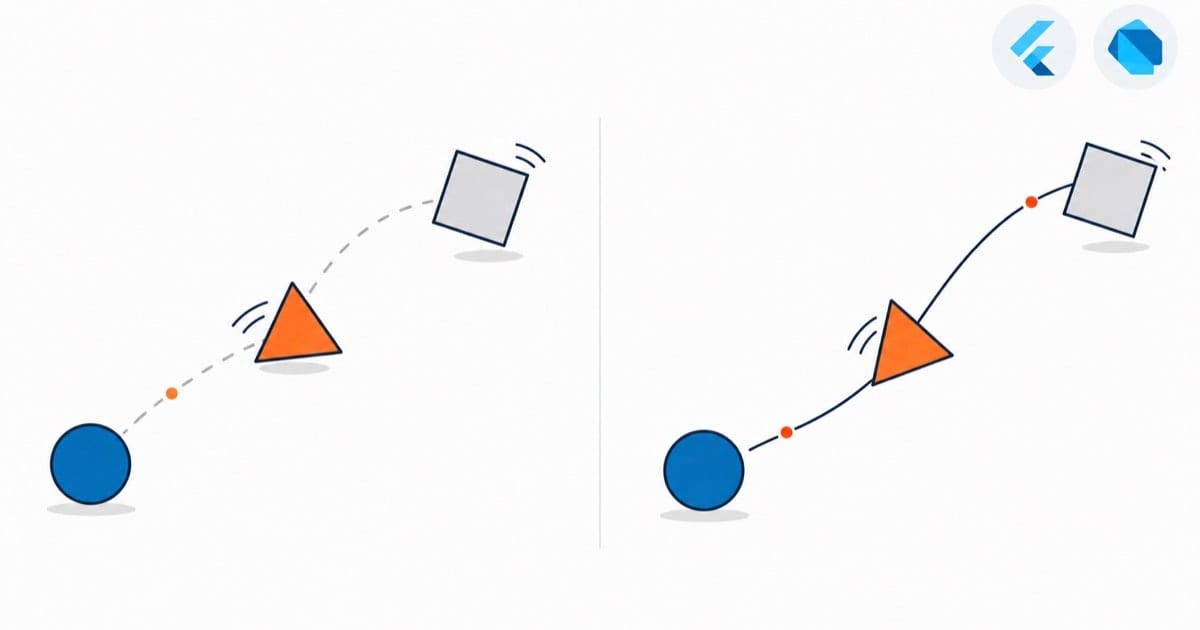
交错动画是指多个动画按照一定的时间间隔依次播放的动画效果。通过合理设置动画的延迟和间隔,可以创建出富有层次感的动画效果。
基本用法
使用 Interval
class StaggeredAnimationDemo extends StatefulWidget {
  @override
  _StaggeredAnimationDemoState createState() => _StaggeredAnimationDemoState();
}

class _StaggeredAnimationDemoState extends State<StaggeredAnimationDemo>
    with SingleTickerProviderStateMixin {
  late AnimationController _controller;
  late Animation<double> _opacity;
  late Animation<double> _width;
  late Animation<double> _height;
  late Animation<EdgeInsets> _padding;
  late Animation<BorderRadius?> _borderRadius;
  late Animation<Color?> _color;

  @override
  void initState() {
    super.initState();
    _controller = AnimationController(
      duration: Duration(milliseconds: 2000),
      vsync: this,
    );

    _opacity = Tween<double>(
      begin: 0.0,
      end: 1.0,
    ).animate(CurvedAnimation(
      parent: _controller,
      curve: Interval(0.0, 0.2, curve: Curves.ease),
    ));

    _width = Tween<double>(
      begin: 50.0,
      end: 200.0,
    ).animate(CurvedAnimation(
      parent: _controller,
      curve: Interval(0.2, 0.4, curve: Curves.ease),
    ));

    _height = Tween<double>(
      begin: 50.0,
      end: 200.0,
    ).animate(CurvedAnimation(
      parent: _controller,
      curve: Interval(0.4, 0.6, curve: Curves.ease),
    ));

    _padding = EdgeInsetsTween(
      begin: EdgeInsets.only(bottom: 16.0),
      end: EdgeInsets.only(bottom: 75.0),
    ).animate(CurvedAnimation(
      parent: _controller,
      curve: Interval(0.6, 0.8, curve: Curves.ease),
    ));

    _borderRadius = BorderRadiusTween(
      begin: BorderRadius.circular(4.0),
      end: BorderRadius.circular(75.0),
    ).animate(CurvedAnimation(
      parent: _controller,
      curve: Interval(0.8, 1.0, curve: Curves.ease),
    ));

    _color = ColorTween(
      begin: Colors.blue,
      end: Colors.purple,
    ).animate(CurvedAnimation(
      parent: _controller,
      curve: Interval(0.8, 1.0, curve: Curves.ease),
    ));
  }

  @override
  void dispose() {
    _controller.dispose();
    super.dispose();
  }

  @override
  Widget build(BuildContext context) {
    return Scaffold(
      appBar: AppBar(title: Text('Staggered Animation')),
      body: GestureDetector(
        onTap: () {
          if (_controller.status == AnimationStatus.completed) {
            _controller.reverse();
          } else {
            _controller.forward();
          }
        },
        child: Center(
          child: AnimatedBuilder(
            animation: _controller,
            builder: (context, child) {
              return Container(
                padding: _padding.value,
                alignment: Alignment.bottomCenter,
                child: Opacity(
                  opacity: _opacity.value,
                  child: Container(
                    width: _width.value,
                    height: _height.value,
                    decoration: BoxDecoration(
                      color: _color.value,
                      borderRadius: _borderRadius.value,
                    ),
                  ),
                ),
              );
            },
          ),
        ),
      ),
    );
  }
}
列表交错动画
基本实现
class StaggeredListDemo extends StatefulWidget {
  @override
  _StaggeredListDemoState createState() => _StaggeredListDemoState();
}

class _StaggeredListDemoState extends State<StaggeredListDemo>
    with SingleTickerProviderStateMixin {
  late AnimationController _controller;
  final List<String> _items = List.generate(20, (i) => 'Item $i');

  @override
  void initState() {
    super.initState();
    _controller = AnimationController(
      duration: Duration(milliseconds: 1000),
      vsync: this,
    );
    _controller.forward();
  }

  @override
  void dispose() {
    _controller.dispose();
    super.dispose();
  }

  @override
  Widget build(BuildContext context) {
    return ListView.builder(
      itemCount: _items.length,
      itemBuilder: (context, index) {
        return AnimatedBuilder(
          animation: _controller,
          builder: (context, child) {
            final delay = index * 0.1;
            final animation = CurvedAnimation(
              parent: _controller,
              curve: Interval(
                delay.clamp(0.0, 1.0),
                (delay + 0.1).clamp(0.0, 1.0),
                curve: Curves.easeOut,
              ),
            );

            return SlideTransition(
              position: Tween<Offset>(
                begin: Offset(1.0, 0.0),
                end: Offset.zero,
              ).animate(animation),
              child: FadeTransition(
                opacity: animation,
                child: child,
              ),
            );
          },
          child: ListTile(
            title: Text(_items[index]),
          ),
        );
      },
    );
  }
}
高级用法
组合动画
class CombinedStaggeredAnimation extends StatelessWidget {
  final Animation<double> controller;
  final Animation<double> opacity;
  final Animation<double> dx;
  final Animation<double> dy;
  final Animation<Color?> color;

  CombinedStaggeredAnimation({required this.controller})
      : opacity = Tween<double>(
          begin: 0.0,
          end: 1.0,
        ).animate(CurvedAnimation(
          parent: controller,
          curve: Interval(0.0, 0.3, curve: Curves.ease),
        )),
        dx = Tween<double>(
          begin: -100.0,
          end: 0.0,
        ).animate(CurvedAnimation(
          parent: controller,
          curve: Interval(0.3, 0.6, curve: Curves.ease),
        )),
        dy = Tween<double>(
          begin: -50.0,
          end: 0.0,
        ).animate(CurvedAnimation(
          parent: controller,
          curve: Interval(0.6, 0.9, curve: Curves.ease),
        )),
        color = ColorTween(
          begin: Colors.blue,
          end: Colors.purple,
        ).animate(CurvedAnimation(
          parent: controller,
          curve: Interval(0.9, 1.0, curve: Curves.ease),
        ));

  Widget _buildAnimation(BuildContext context, Widget? child) {
    return Transform.translate(
      offset: Offset(dx.value, dy.value),
      child: Opacity(
        opacity: opacity.value,
        child: Container(
          width: 100,
          height: 100,
          decoration: BoxDecoration(
            color: color.value,
            borderRadius: BorderRadius.circular(10),
          ),
        ),
      ),
    );
  }

  @override
  Widget build(BuildContext context) {
    return AnimatedBuilder(
      builder: _buildAnimation,
      animation: controller,
    );
  }
}
最佳实践
- 总时长控制在 600ms
1.2s,分段 Interval 做 60%0.4)看起来是一个接一个,节奏感弱;每段宽 0.3、间隔 0.1 这种错开式,元素依次登场才有层次。80% 的重叠才有”波浪”感——首尾相接的纯串行(0.00.2、0.2 - 长列表只给首屏 item 做交错入场(比如前 8 个),后面的直接静态渲染,上拉加载更多时不再触发——上百个 item 全做交错,低端机先保证滚动不掉帧再谈韵律感。
- 一个 AnimationController 驱动全场,别给每个 item 单独建 controller——20 个 item 就是 20 个 Ticker,每帧 20 次回调,开销和漏 dispose 的风险都翻倍。
- per-item 的 Interval/CurvedAnimation 在 initState 里按 index 一次性生成好存进 List,不要在 itemBuilder 里 new——ListView 滚动时 itemBuilder 被反复调用,动画对象每帧重建且无法复用。
注意事项
- Interval 的 begin 必须小于 end 且落在 0~1 内;delay 用 index*0.1 累加时,长列表一定要 clamp——index>10 的 item 的 begin 超过 1.0 会直接”跳到终态”,动画悄无声息地不播(本文列表示例里的 clamp 就是干这个的)。
- reverse() 倒播时 Interval 顺序也会反转——“依次登场”会变成”依次退场”,如果退场顺序看着别扭,考虑给反向单独配一组 Interval。
- 一次性入场动画播完别 repeat——列表每 1s 重播一轮入场,用户滚动时极其干扰;repeat 只留给呼吸灯、加载指示这种本就该循环的场景。
- 交错动画的 builder 里只放属性变化的 widget,静态内容走 AnimatedBuilder 的 child 参数——长列表里整张卡片每帧重建是掉帧头号原因。
实战:交错动画别在长列表里滥用
电商首页的商品流、订单列表,item 依次滑入淡出的效果确实好看——这篇里用 Interval 错开时间的写法,和 Flutter 官方文档的 staggered 示例是同一套思路,一个 AnimationController 控住所有 Animation,每个属性一段 Interval。
但我实际做的时候踩过犹豫:上百个 item 的列表,每个 item 都包 AnimatedBuilder + CurvedAnimation,光是上百个 Interval 对象和每帧的重建开销就让人心里没底。我的取舍是:只给首屏前几个 item(比如前 8 个)做交错入场,后面的直接静态渲染;而且只在页面首次进入时播一次,上拉加载更多时不再触发。交错动画是”锦上添花”型——低端机上先保证列表滚动不掉帧,再谈韵律感,这个顺序别反了。
参考:Flutter 官方文档《Staggered animations》(docs.flutter.dev/ui/animations/staggered-animations)
总结
交错动画可以创建出富有层次感和韵律感的动画效果,通过合理使用可以显著提升应用的用户体验。理解并掌握交错动画的使用对于开发高质量的 Flutter 应用很有帮助。