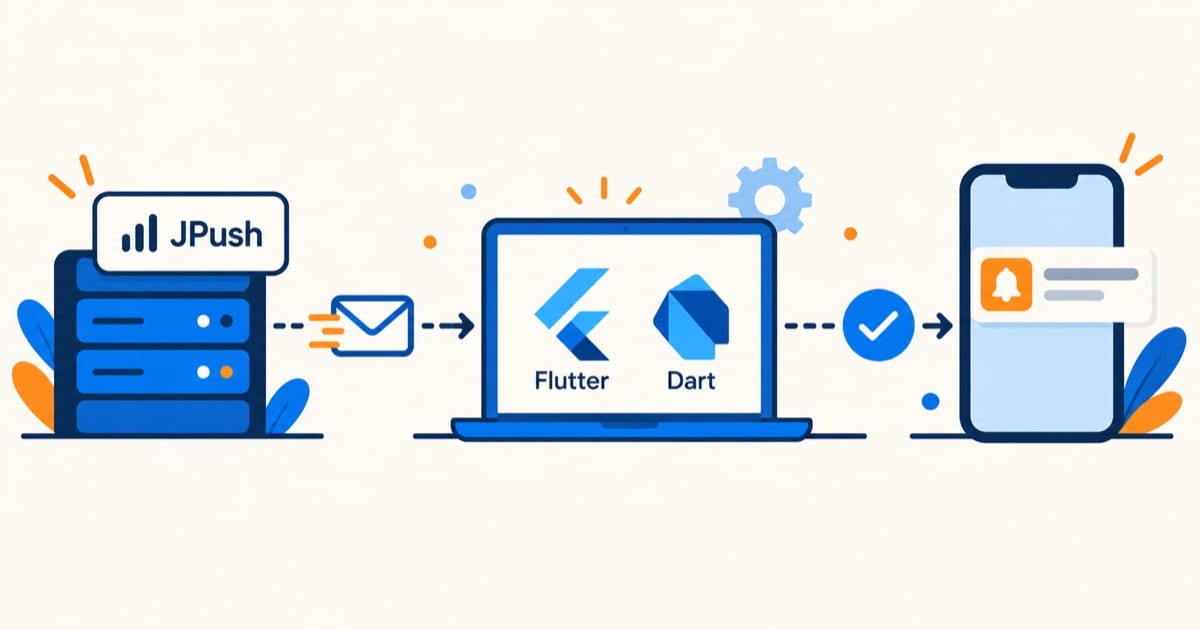
在 Flutter 项目中集成极光消息推送(JPush)服务,可以通过极光推送 SDK 结合原生代码和 Flutter 插件实现。极光推送支持 Android 和 iOS 平台的推送服务
实现原理
WidgetsFlutterBinding.ensureInitialized();
await initialConfiguration();

await initPlatformState();

manifestPlaceholders = [
    JPUSH_PKGNAME : applicationId,
    JPUSH_APPKEY : "", // NOTE: JPush 上注册的包名对应的 Appkey.
    JPUSH_CHANNEL : "developer-default", //暂时填写默认值即可.
    MEIZU_APPKEY : "",
    MEIZU_APPID : "",
    HONOR_APPID : "",
    XIAOMI_APPID : "",
    XIAOMI_APPKEY : "",
    OPPO_APPKEY : "",
    OPPO_APPID : "",
    OPPO_APPSECRET : "",
    VIVO_APPKEY : "",
    VIVO_APPID : "",
]
// Platform messages are asynchronous, so we initialize in an async method.
Future<void> initPlatformState() async {
String? platformVersion;
final JPush jpush = JPush();
try {
jpush.addEventHandler(
onReceiveNotification: (Map<String, dynamic> message) async {
print("flutter onReceiveNotification: $message");
}, onOpenNotification: (Map<String, dynamic> message) async {
print("flutter onOpenNotification: $message");
}, onReceiveMessage: (Map<String, dynamic> message) async {
print("flutter onReceiveMessage: $message");
}, onReceiveNotificationAuthorization:
(Map<String, dynamic> message) async {
print("flutter onReceiveNotificationAuthorization: $message");
}, onNotifyMessageUnShow: (Map<String, dynamic> message) async {
print("flutter onNotifyMessageUnShow: $message");
}, onInAppMessageShow: (Map<String, dynamic> message) async {
print("flutter onInAppMessageShow: $message");
}, onCommandResult: (Map<String, dynamic> message) async {
print("flutter onCommandResult: $message");
}, onInAppMessageClick: (Map<String, dynamic> message) async {
print("flutter onInAppMessageClick: $message");
}, onConnected: (Map<String, dynamic> message) async {
print("flutter onConnected: $message");
});
} on PlatformException {
platformVersion = 'Failed to get platform version.';
}
jpush.setAuth(enable: true);
jpush.setup(
appKey: "a61caf6e54047b4931fe0772", //你自己应用的 AppKey
channel: "theChannel",
production: false,
debug: true,
);
jpush.applyPushAuthority(
new NotificationSettingsIOS(sound: true, alert: true, badge: true));
// Platform messages may fail, so we use a try/catch PlatformException.
jpush.getRegistrationID().then((rid) {
print("flutter get registration id : $rid");
});
// iOS要是使用应用内消息,请在页面进入离开的时候配置pageEnterTo 和 pageLeave 函数,参数为页面名。
jpush.pageEnterTo("HomePage"); // 在离开页面的时候请调用 jpush.pageLeave("HomePage");
}
实战案例
消息推送我还没在项目里集成过,下面是按 jpush_flutter 插件文档提炼的关键点。极光的集成骨架就三步:setup 传 appKey 初始化,debug 先打开看日志;addEventHandler 注册收到通知、点开通知等回调;iOS 额外调 applyPushAuthority 申请通知权限。最关键的一步很多人漏掉:setup 之后调 getRegistrationID 拿到设备标识,把它上报给自己的服务端,服务端才能按设备定向推。production 开关别搞反,debug 包用生产证书会收不到推送。manifestPlaceholders 里配的那一堆小米/华为/OPPO/vivo 的 AppKey/AppID 是厂商通道,解决国产机杀后台收不到推送的。
参考:jpush_flutter 插件文档